A calendar you can make look the way you want.
Latte is a customizable calendar for your computer and phone. Pick from more than thirty themes, then set your own colors, fonts, background pictures and layout. All of it is in the free plan.
Open Latte Try it without an account
More than thirty themes
There are light themes, dark themes, glass, tiles and a hand-drawn Sketchbook. Slate comes in eleven colors. The pictures below are all the same made-up month; only the theme was changed.
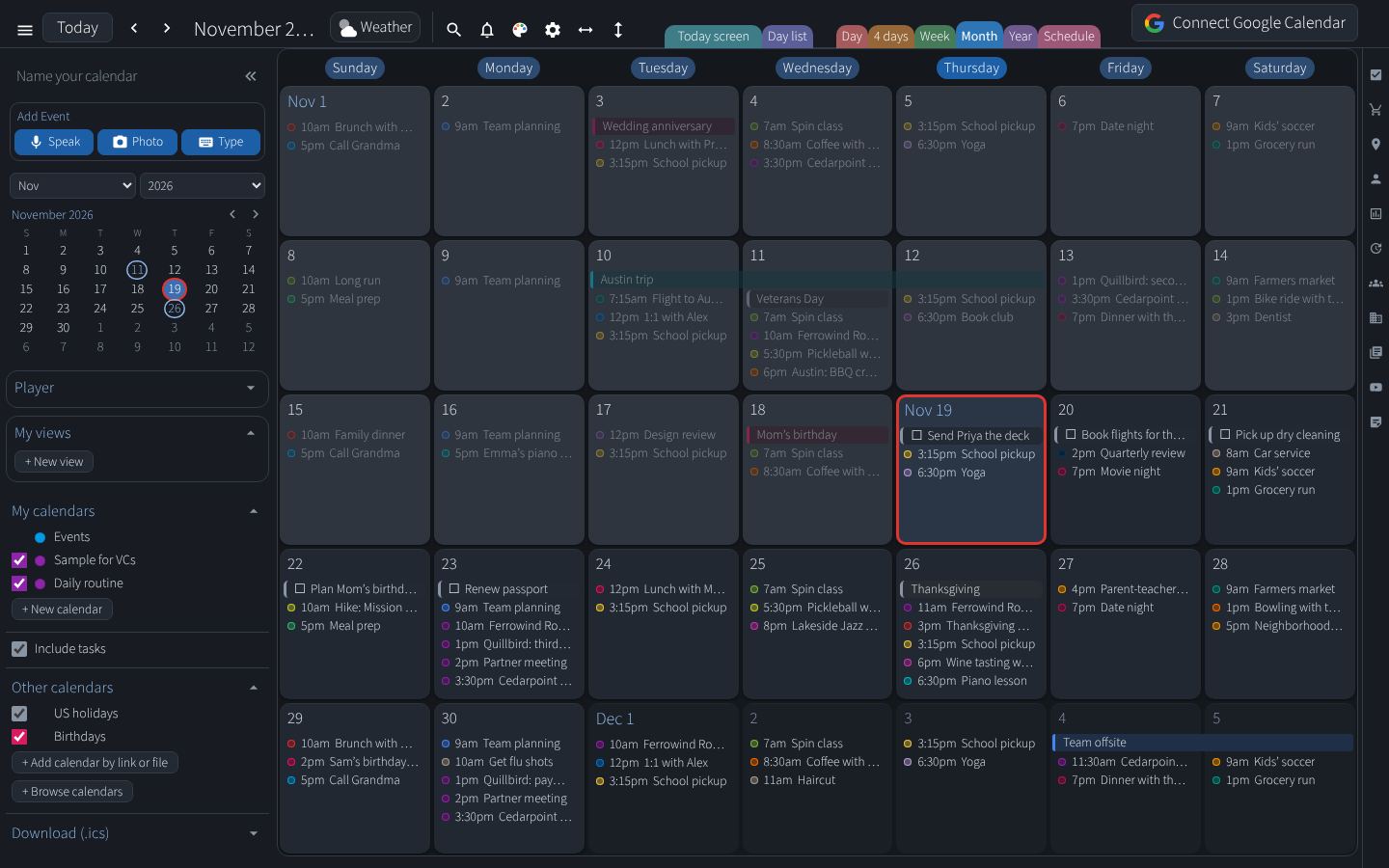
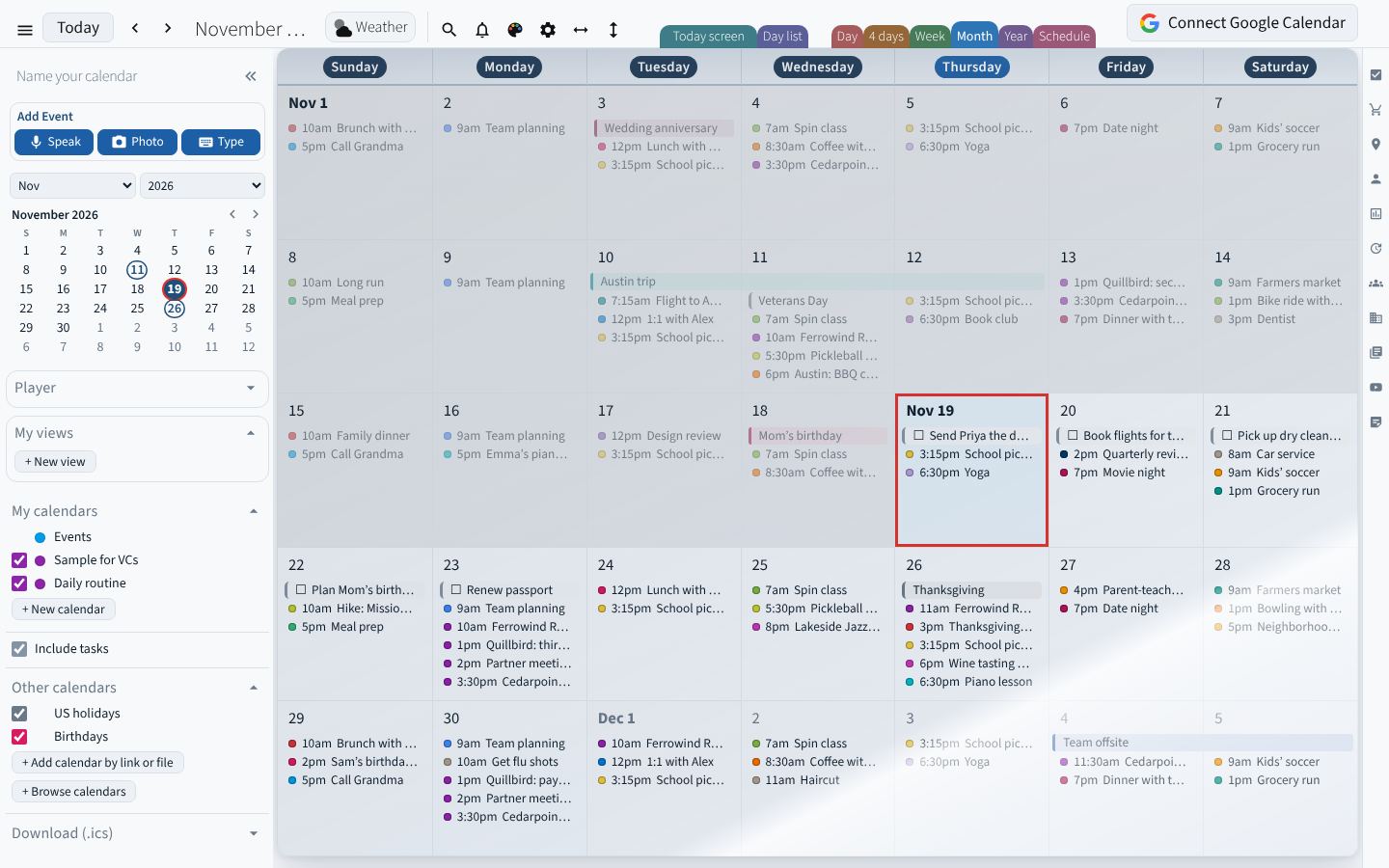
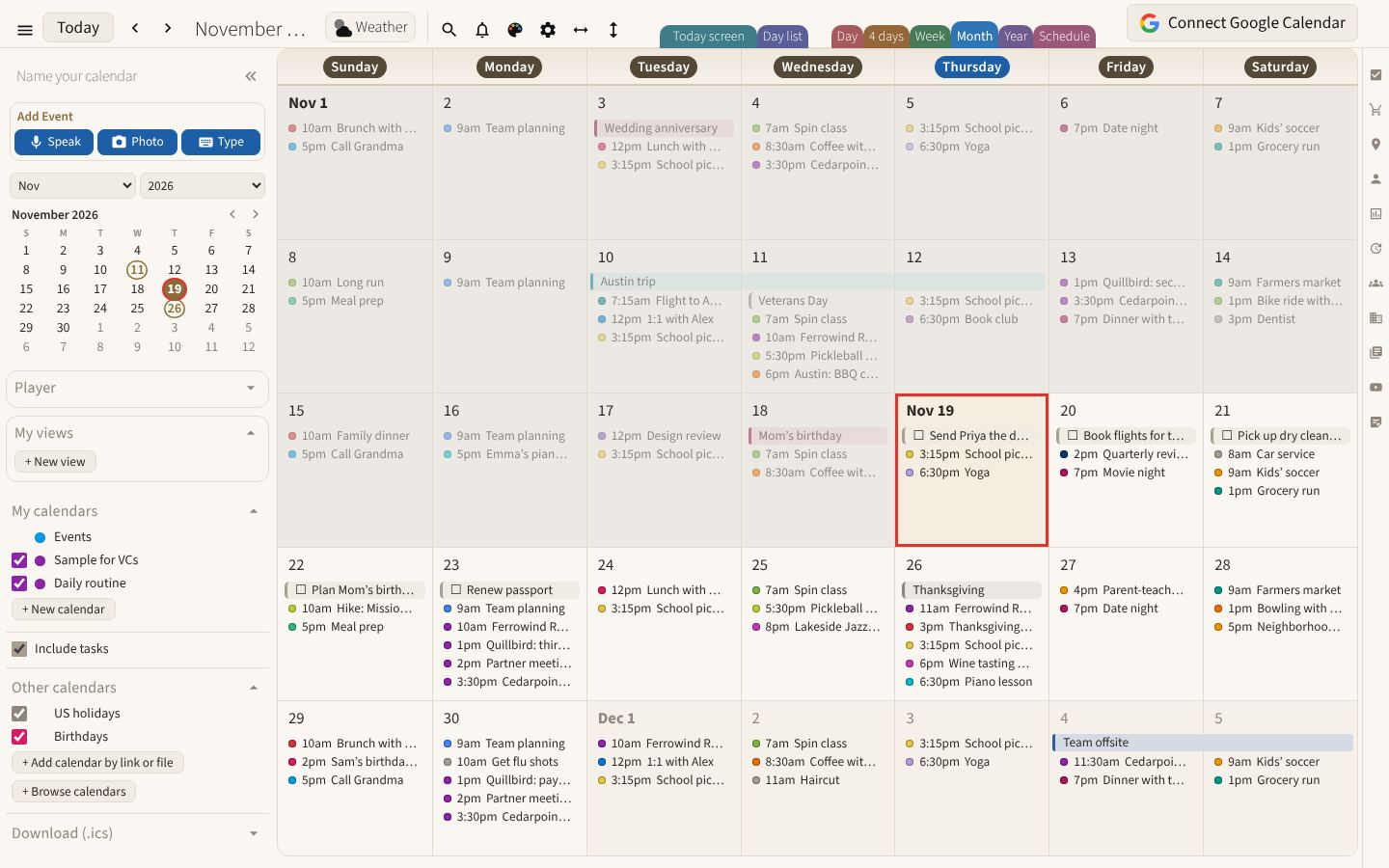
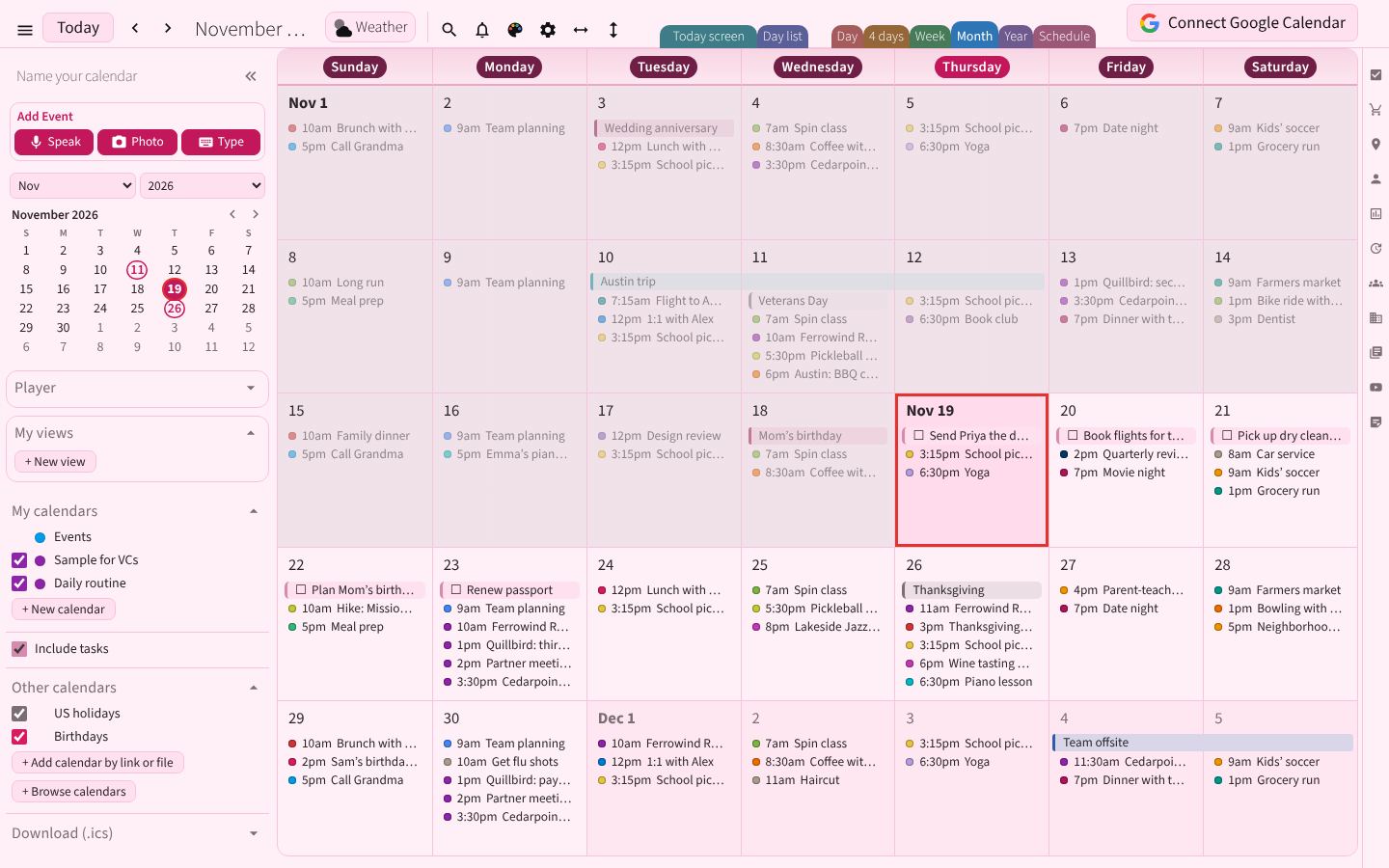
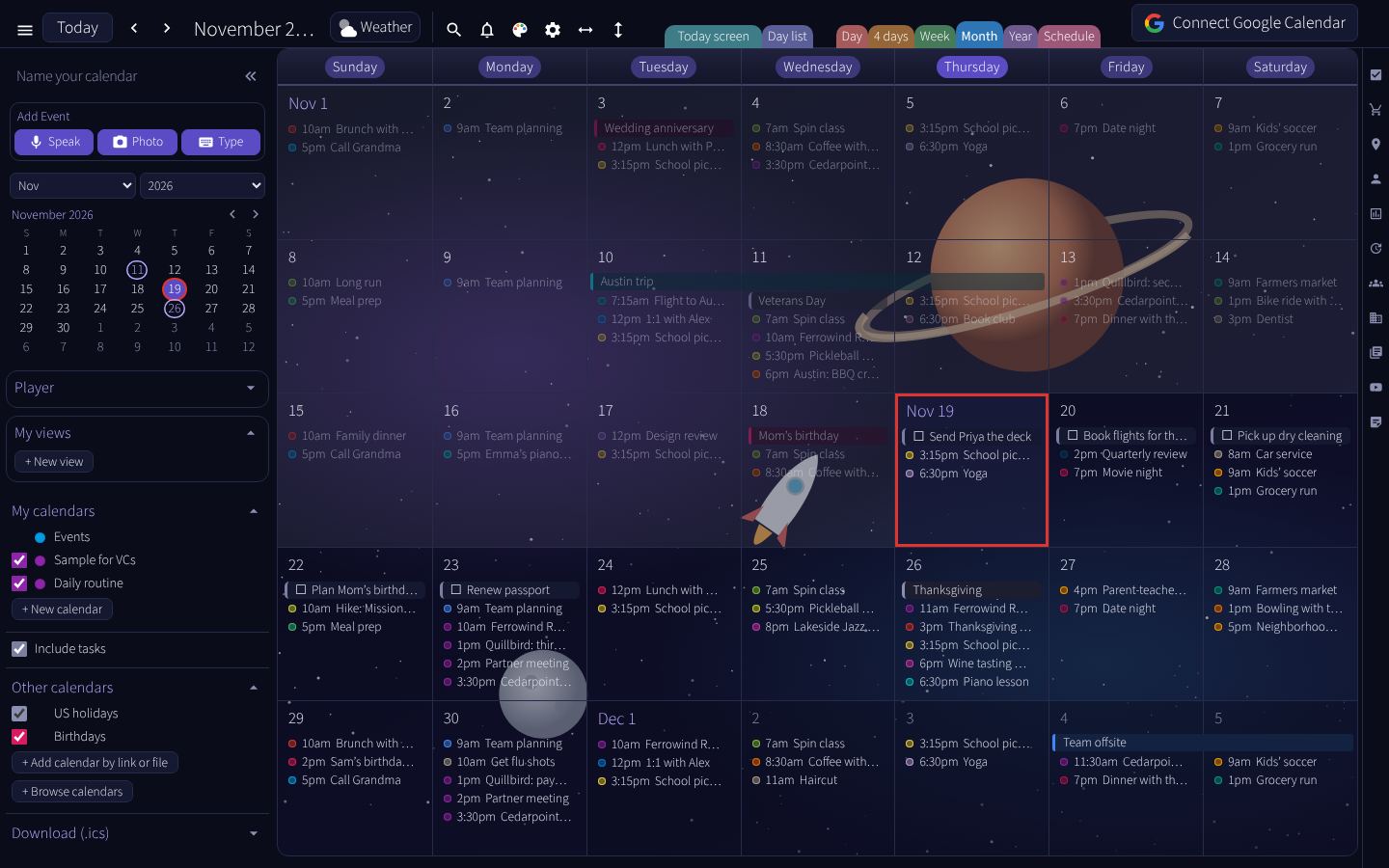
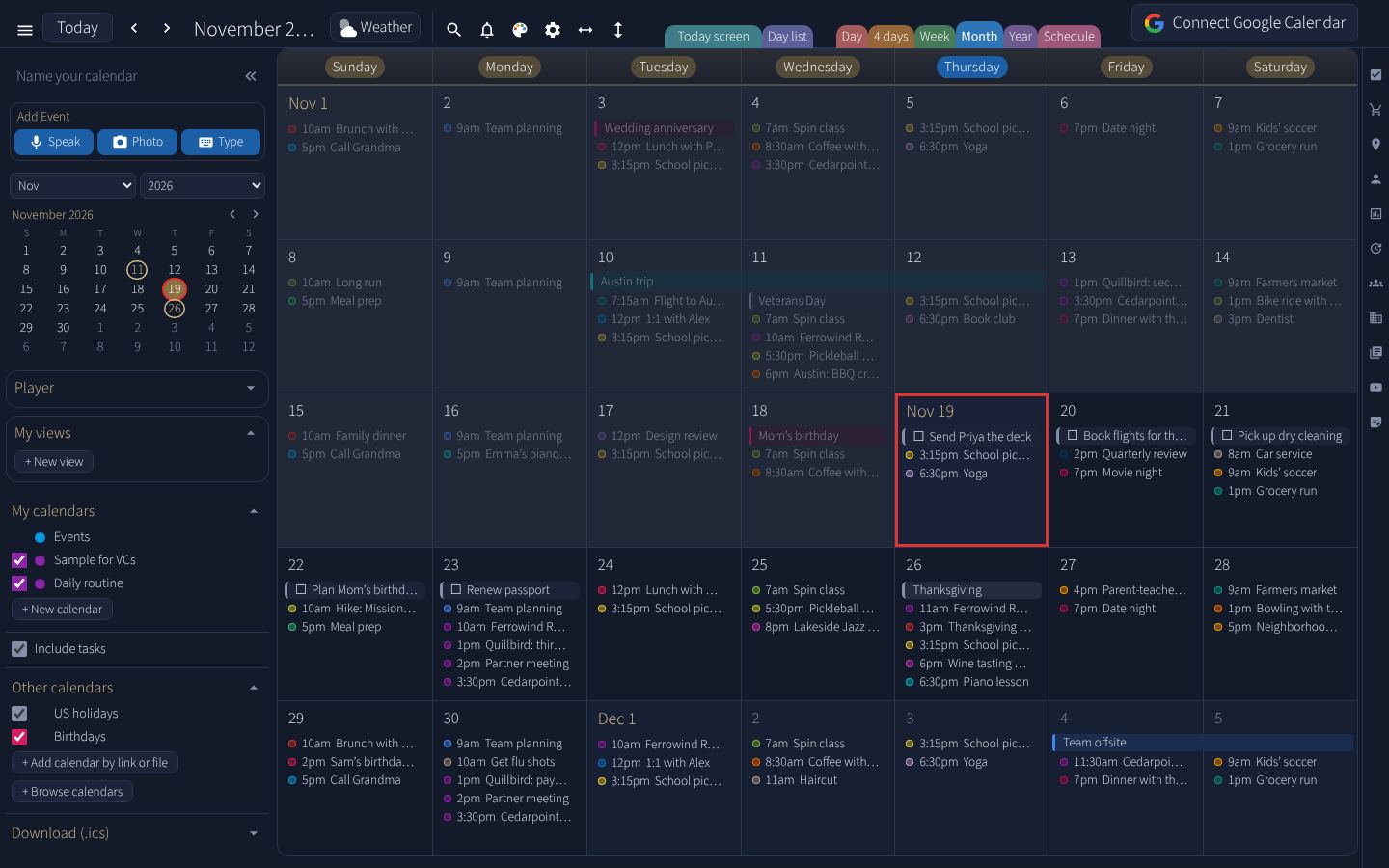
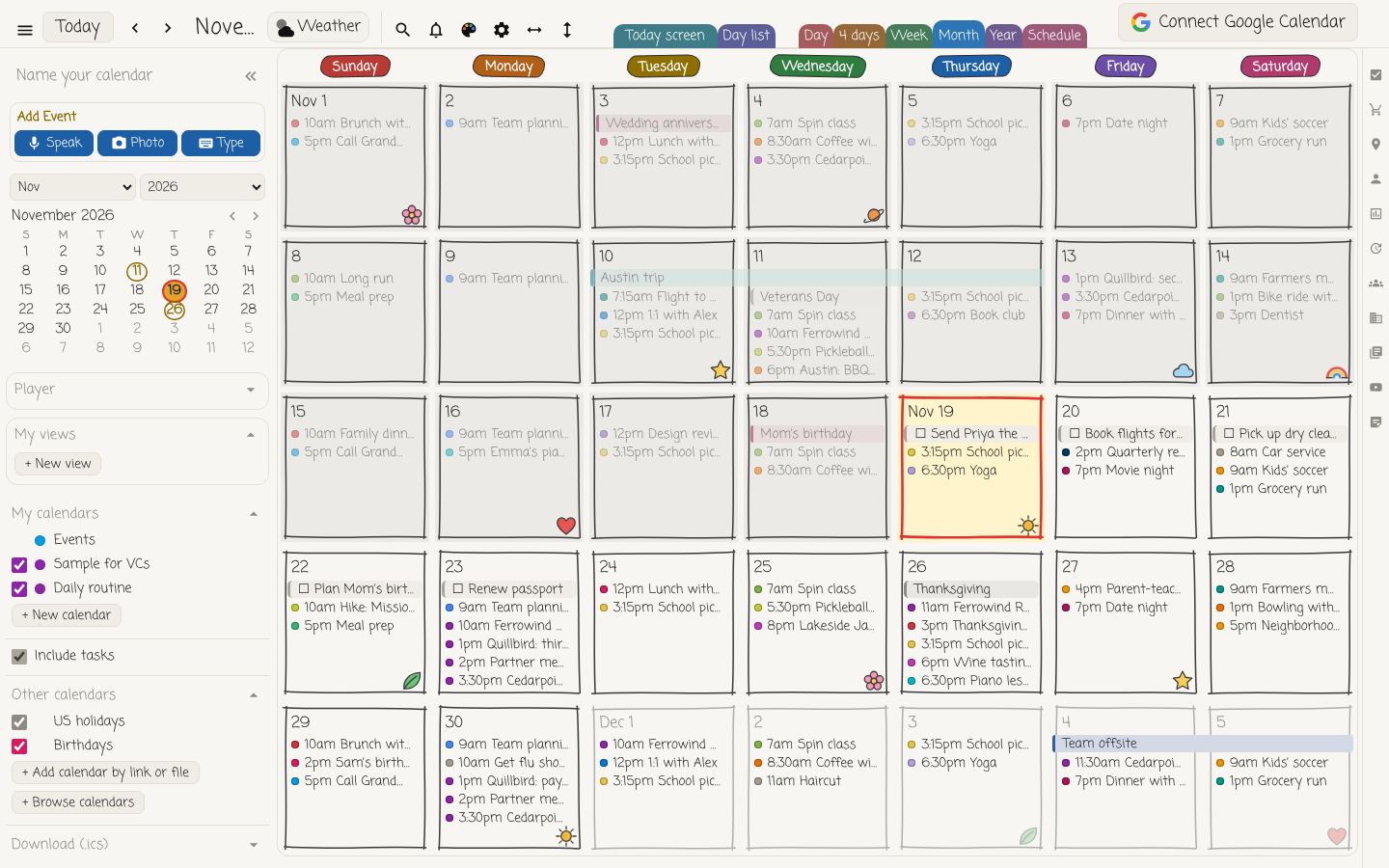
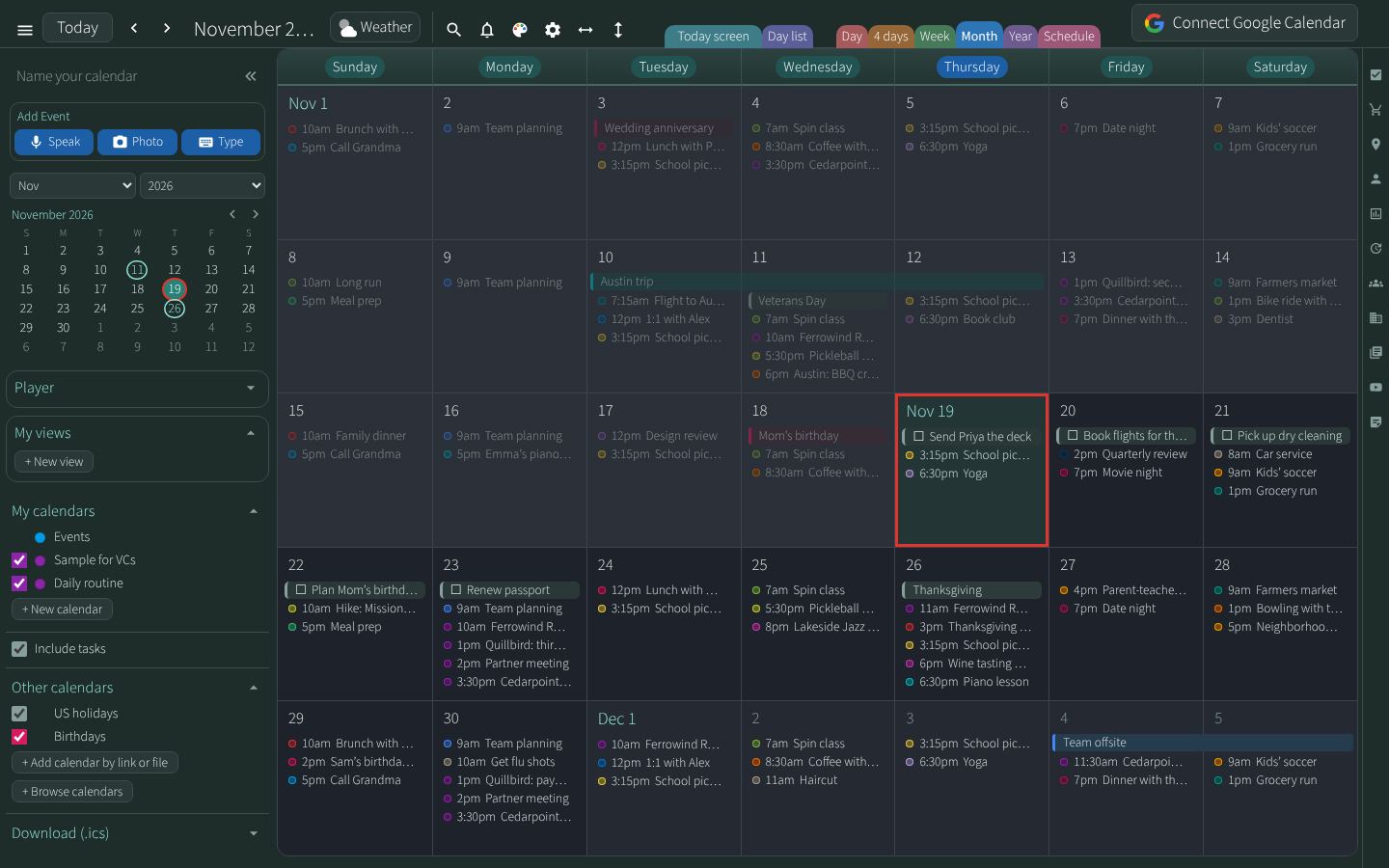
Also in the list: Light, Ivory, Mist, Glass night, Glass tiles, Glass tiles night, Soft tiles, Black and green, Beach, Mountains, Flowers, Graphite and gold, Espresso, Pine, Plum and more.
Your own colors, on top of any theme
Six parts of the screen have their own color picker: the accent color, the Add Event buttons, the area around the calendar, the calendar’s background, the text and today’s box. Each one has a button that puts the theme’s color back.
When you like what you have, save it under a name. Your saved themes show at the top of the theme list.
Fonts and text size
On a computer, pick one of six fonts, or type the name of any font installed on your computer. Text can be light, regular or bold. The calendar and the task list each have their own text size, from small to extra large.
Background pictures
On a computer, Latte can show a picture behind the calendar: a new photo each day, or a folder of your own pictures as a slideshow. You choose how often the picture changes and whether the order is random.
Arrange the screen
Six views
Day, 4 days, Week, Month, Year and Schedule. Choose which one Latte opens in, whether the week starts on Sunday or Monday, and a 12-hour or 24-hour clock.
Show or hide
Turn the mini calendar, the shopping list, the weather and the other side panels on or off. Drag the edge of a side column to make the calendar wider.
Simple or everything
Simple mode shows just the essentials. Power mode shows every panel and button.
Small touches
On a computer, the calendar can flip over like a page when you change months, at a speed you set. Checking off a task can set off fireworks. Past days can fade or stay as they are.
On your desktop
Latte is a website that works like an app, so there is nothing to download. On a Windows PC or a Mac, open it in Chrome or Edge, click the install icon at the right end of the address bar, then Install. Latte then opens from your taskbar or dock in its own window, like any program. See the steps for a computer and an iPhone.
Questions
Does changing the look cost anything?
No. Themes, your own colors, fonts, background pictures and the layout settings are all in the free plan. See what each plan includes.
Can I use my own font?
On a computer, yes. In Settings, under Look, type the name of any font installed on your computer.
Can I keep a look I made?
Yes. Save it under a name and it stays in your theme list.
Is it only a calendar?
No. Latte also keeps your task list, prepares you before a meeting and writes up the notes afterward. See everything Latte does.